What Is 3D Product Rendering?
A practical guide to 3D product rendering, including inputs, modelling, materials, approvals, deliverables and when CGI is the right production method.
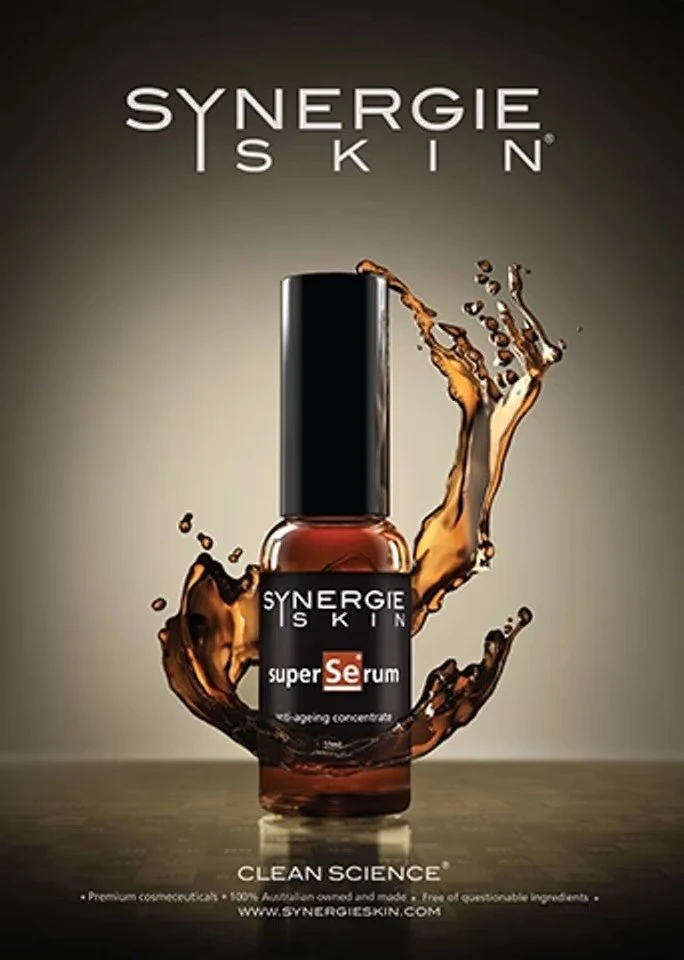
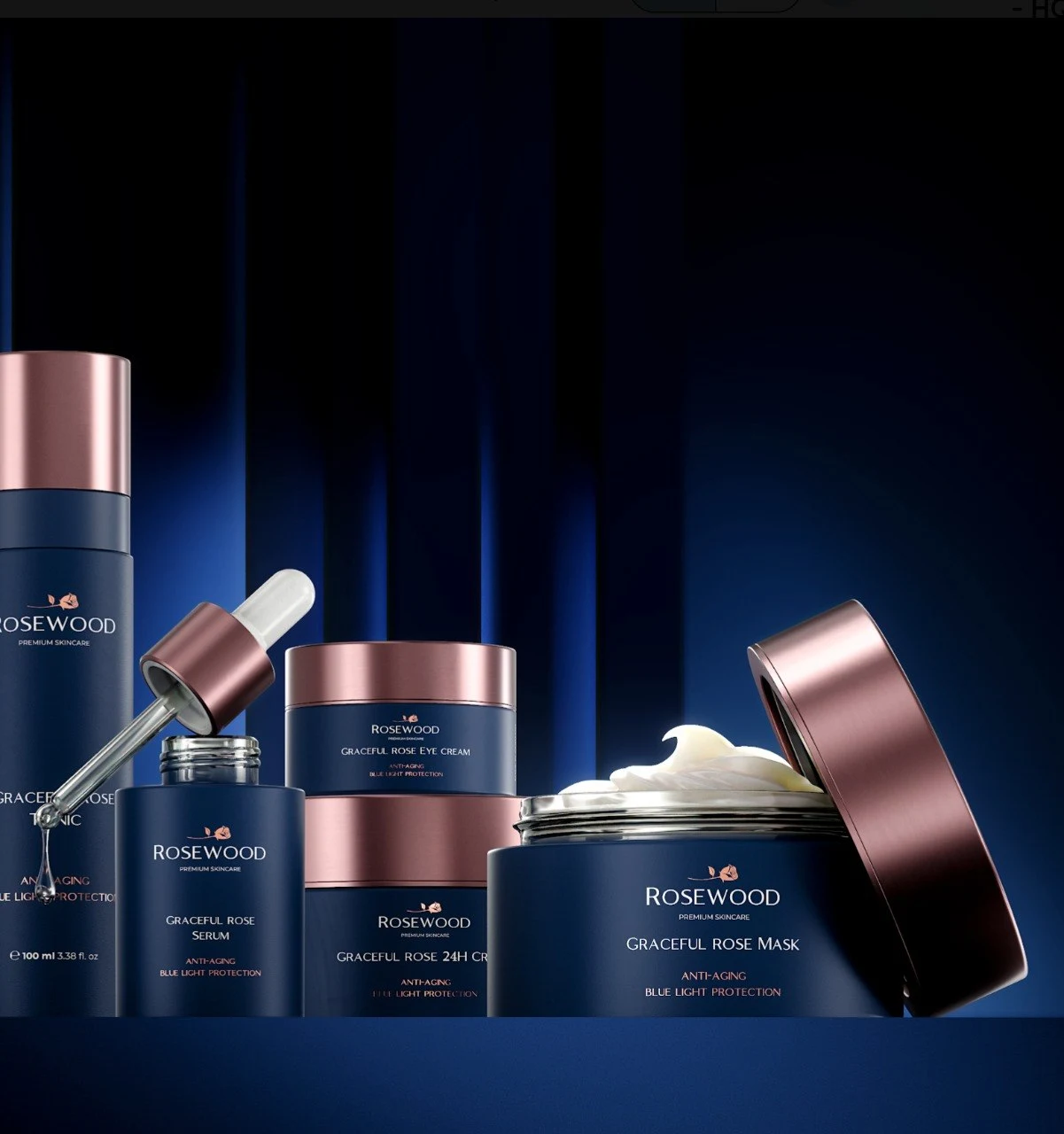
3D product rendering creates a finished product image from a digital three-dimensional asset rather than photographing a physical object. The process gives a team direct control over geometry, materials, labels, camera, lighting and environment.
The final image can look like a clean studio photograph, a large campaign production or something physically impossible to build. What makes it useful is not only realism. It is the ability to approve and reuse the same product foundation across many deliverables.
What is actually created?
A rendering project usually contains two layers of work.
The first is the reusable product asset:
- Accurate geometry
- Organised components
- Product materials and finishes
- Labels, screens and packaging graphics
- Approved colour and product variants
The second is the image production built around that asset:
- Camera and composition
- Studio lighting or environment
- Props, surfaces and supporting elements
- Simulation or atmospheric effects
- Retouching and colour finishing
- Crops and output formats
Separating these layers matters. An approved product can move into a new campaign without rebuilding the object from the beginning.
What can product CGI be used for?
Common uses include:
- Launch imagery before manufacturing is complete
- E-commerce product pages
- Marketplace image systems
- Packaging presentations
- Advertising and paid social
- Product variants and colourways
- Feature close-ups
- Exploded and cutaway views
- Sales and investor presentations
- Product animation
- Interactive configurators
The same asset can support several of these uses when reuse is planned before production begins.
What do you need to begin?
The ideal input depends on the product.
CAD files
STEP or native CAD can provide an accurate starting point for manufactured products. The geometry still needs to be reviewed and prepared for rendering. Internal parts, duplicate surfaces and engineering structure may not suit the visual workflow directly.
See our CAD handoff checklist for a complete package.
Drawings and dimensions
A product can be modelled from dimensioned drawings, sketches and references when CAD is unavailable. The quote should separate modelling assumptions from final image production.
Physical reference
Clear photographs and measured dimensions are useful for existing products. Include front, side, back, top and detail views under neutral light where possible.
Artwork and material references
Supply vector labels, packaging files, brand colours and finish references. A material name such as “black plastic” is rarely specific enough to reproduce the intended surface.
Delivery list
State the required images, aspect ratios, resolutions and channels. A hero image and an e-commerce angle solve different problems even when they show the same product.
The typical production workflow
1. Brief and image plan
The team defines the audience, message, required views, variants and visual direction. This prevents production from becoming a search for attractive angles without a commercial purpose.
2. Model preparation
Existing geometry is cleaned or the product is modelled from references. Parts are organised for materials, animation and variants.
3. Product validation
Neutral views are used to approve proportions, components, labels and materials. Accuracy is reviewed before campaign art direction expands.
4. Look development
Lighting, camera, environment and composition are developed around the agreed brief. Representative previews establish the master direction.
5. Review
Feedback should be consolidated by one approval owner. Product corrections and creative preferences are separated so each round has a clear objective.
6. Final production
High-resolution images are rendered, retouched and exported for each channel. The master asset and source files are retained according to the project agreement.
How realistic can CGI look?
Realism depends on observation and accuracy rather than render settings alone. Convincing product imagery needs:
- Correct proportions
- Believable edge treatment
- Material-specific highlights
- Surface imperfections at the right scale
- Accurate labels and printing
- Lighting that explains the form
- Contact, reflection and shadow behaviour
- A camera that feels intentional
A perfectly clean object can look less believable than one with restrained manufacturing variation. The goal is controlled credibility, not random noise.
When is CGI the strongest choice?
Product rendering is especially useful when:
- The physical product does not yet exist
- Many variants need identical framing
- The product is difficult to transport or photograph
- Internal function must be shown
- Materials need precise control
- Images will be updated over time
- Still and motion assets need to share one visual system
Photography may remain stronger when spontaneous human interaction, documentary authenticity or a real-world event is central. Many campaigns combine both methods.
How should the asset be approved?
Approve the product before approving the campaign. Check geometry, label artwork, material and configuration in neutral views first. Then assess lighting, camera and environment.
This staged process prevents a technical correction from being confused with art-direction feedback and makes the final review more efficient.
Our 3D product rendering service covers deliverables, project inputs, review stages and applications in more detail.
Free production resources
Put it into practice.
A useful next step, without an email gate. Read the guide or download an editable Markdown worksheet.
Product CGI brief template
A practical starting brief for a product render, launch campaign or short film. Make the decisions that affect scope before production begins.
From insight to practice
Explore the work
Need product visuals for a real project?
Show us what you have and what the images need to accomplish.
Discuss your project