

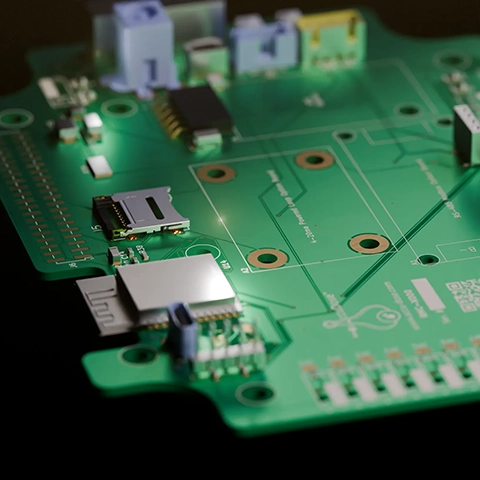
Industrial PCB detail
Technical close-up images that show component details and materials, finished for commercial use.
View technical workServices / Kimagination
Engineering geometry prepared as accurate, reusable 3D assets for product rendering, animation and commercial communication.
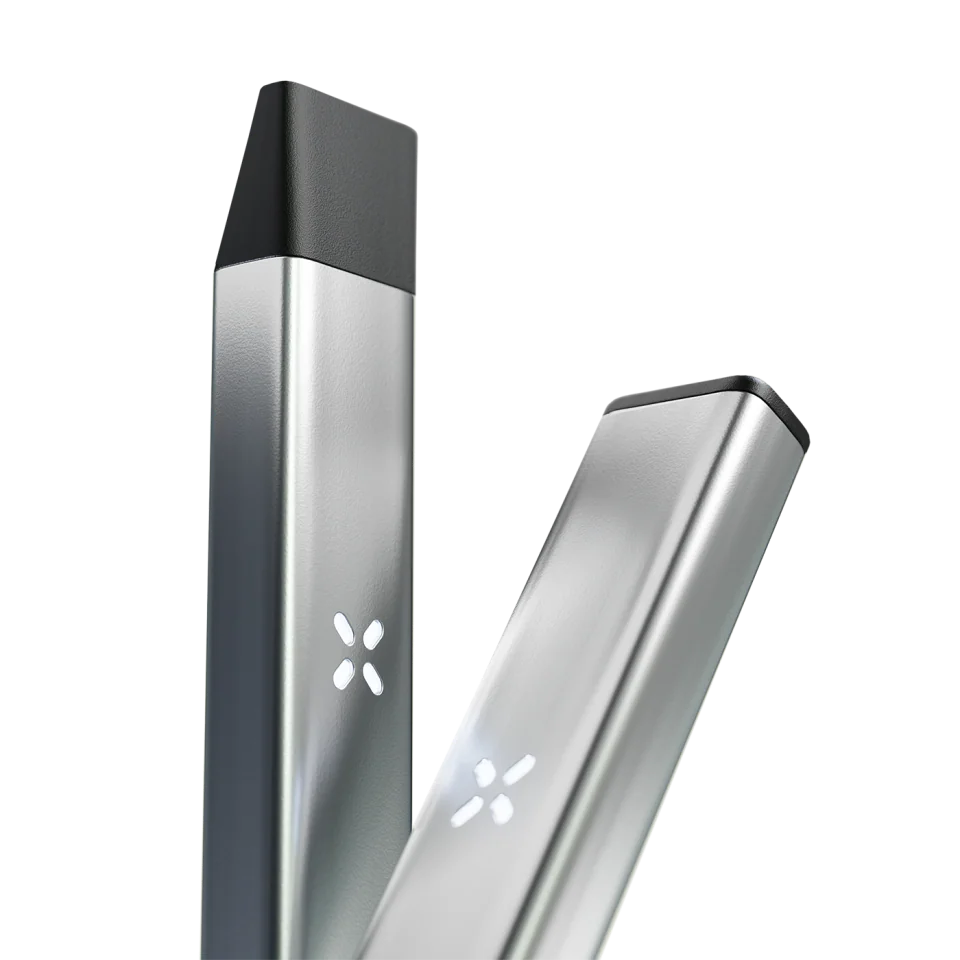
Engineering CAD files are made for manufacturing and often need preparation for rendering. We check the assemblies, part names, surface continuity and internal detail to see what needs attention before visual production.
We clean and organise the geometry while preserving the detail needed in the images. We then prepare materials and a reusable master model for stills, animation and later product variants.
Discuss a CAD handoffA wide catalogue view and a technical cutaway need different levels of detail. Before removing hidden parts, check what will appear in future close-ups, exploded views or animation. Record the approved source assembly and any deliberate simplifications. The prepared model must retain the information needed for the agreed images. Preparing it for rendering does not validate the engineering design.
What you receive
Where it works
What to send
The process
We inspect hierarchy, surfaces, duplicates, scale and the intended visual uses before proposing preparation work.
We reduce unnecessary internal detail, repair broken surfaces and give the relevant parts clear names.
Materials, UVs, render topology and level of detail are developed for the approved outputs.
Neutral views confirm the product before the asset moves into stills, motion or real-time production.
Examples and guides
Technical close-up images that show component details and materials, finished for commercial use.
View technical workRendering for equipment, components and products that are difficult to photograph clearly.
Explore industrial renderingQuestions
STEP is commonly preferred, but the best export depends on the source application and assembly. We confirm a supported handoff before production.
Only with your explicit instruction. We prepare the supplied design for visualization and document any visual simplifications. Engineering decisions remain with your team.
Yes. File access, retention and sharing can be limited around the project, and an NDA can be reviewed before source data is transferred.
Potentially, but a real-time configurator needs a separate optimisation plan. Render-ready and browser-ready assets have different polygon, texture and interaction requirements.
Resolve the practical questions before commissioning the work: what to supply, which approach fits, and what needs approval.
Prepare CAD files for product rendering with a checklist for STEP exports, assemblies, materials, dimensions, product variants and approval references.
Optimise 3D models for browser delivery with geometry reduction, texture budgets, compression, progressive loading and mobile performance checks.