

Technology
Consumer electronics
Controlled product visuals for devices, hardware, interfaces, feature communication, and launch campaigns.
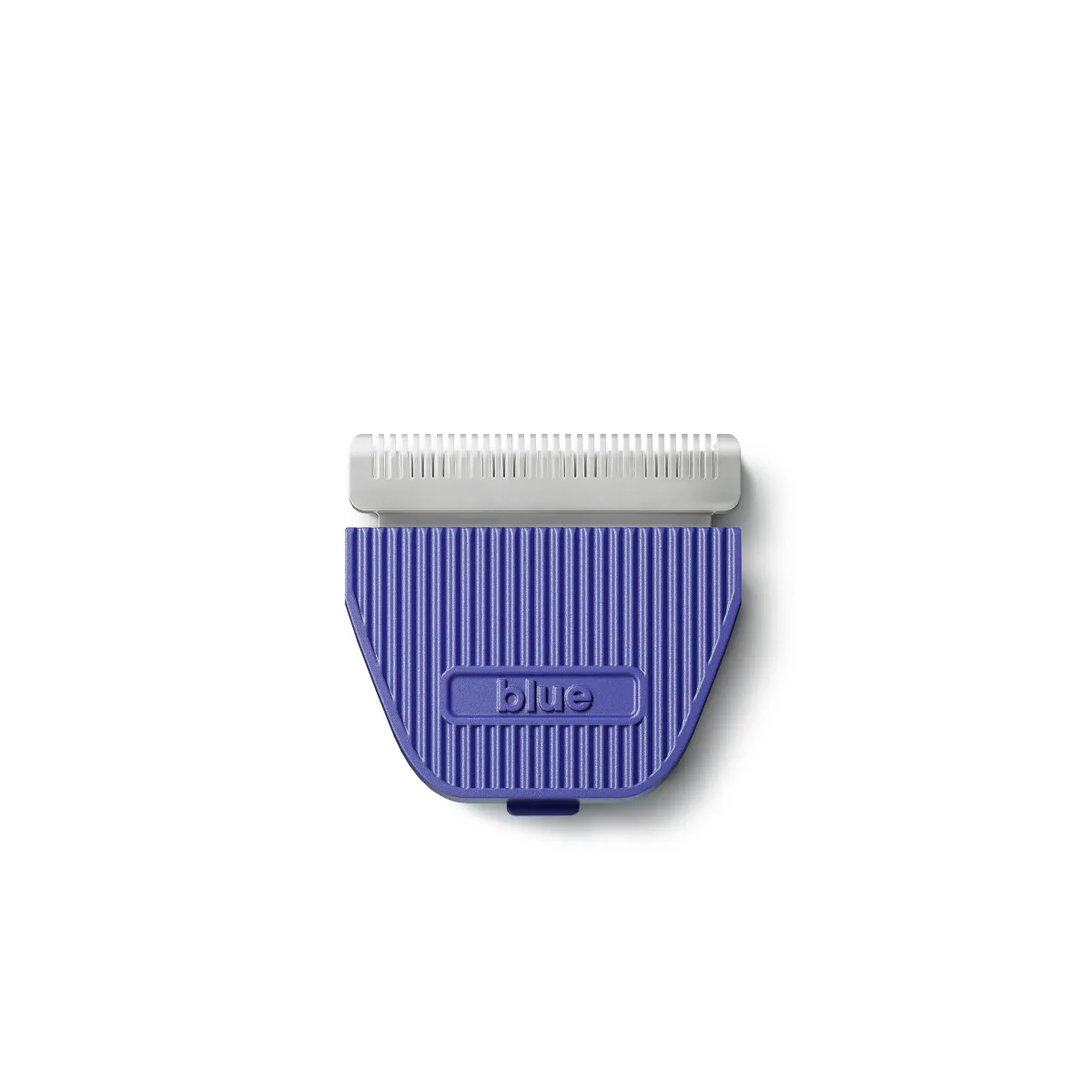
Built around the way this product is sold.
Technical products benefit from cameras and lighting that can reveal details precisely while keeping every material, component, and colourway editable.
Capabilities
- Hard-surface modelling
- Interface visualisation
- Exploded views
- Feature animation
Typical uses
- Launch films
- Feature pages
- Investor decks
- Marketplace imagery
Make the feature visible
An electronics image needs to explain what changes for the user. A close-up can clarify a control or connector; an exploded view can reveal a component that a normal camera cannot see. Decide which parts are useful to show and ask the product team to approve the technical relationships before animation begins.
Control what the screen promises
Screens, indicator lights and interfaces are product information. Supply approved UI states and distinguish a conceptual interface from a shipping feature. Dark housings need enough reflection to separate their edges, while gloss and metallic accents should stay consistent between the hero image and ordinary catalogue views.
What to include in your brief
Include CAD, the current assembly, finish references, approved screen graphics and the feature hierarchy. Identify moving parts and any internals that are confidential or illustrative. Specify whether the output needs to explain operation or simply introduce the design.
Explore the service and production process