

Configurator concept
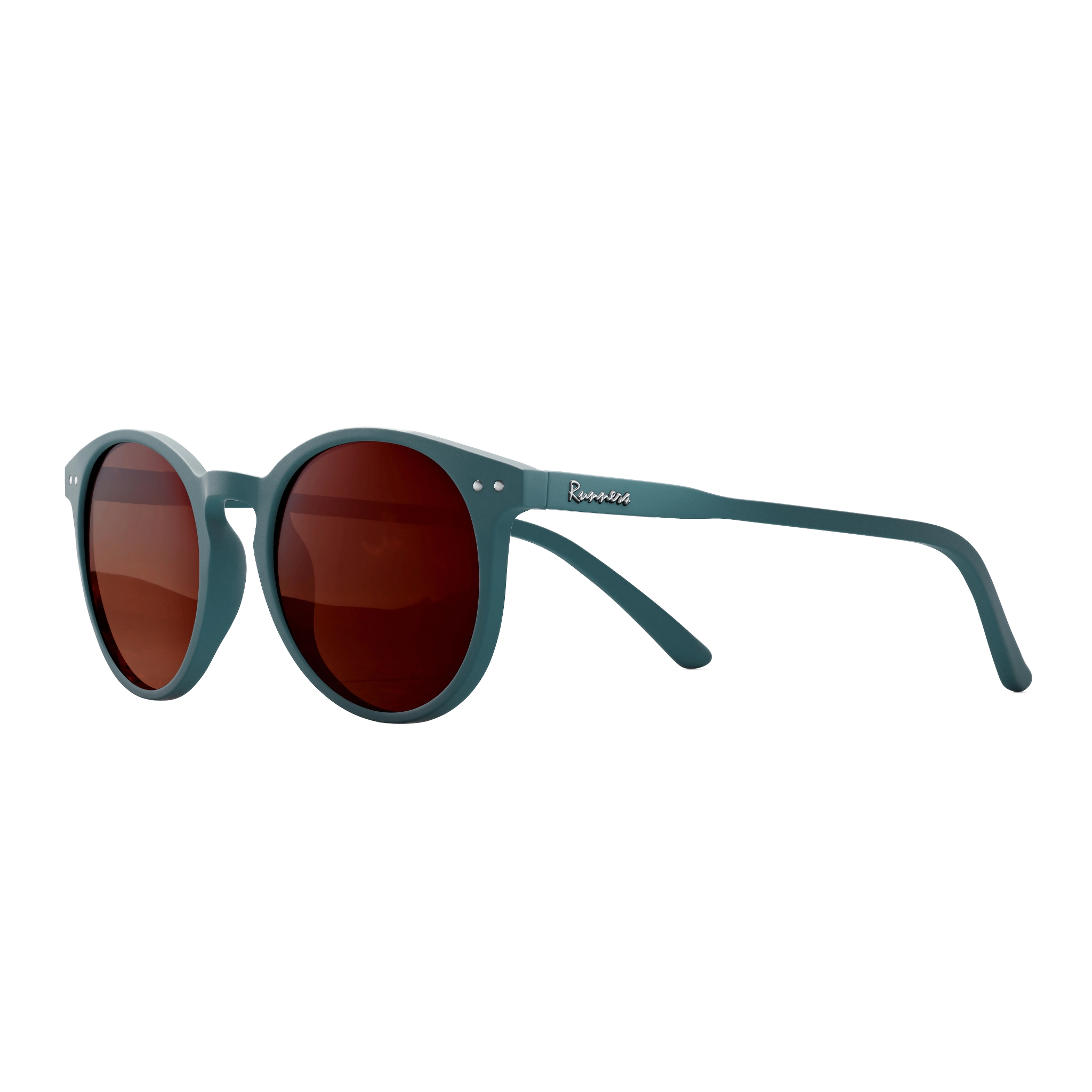
A browser-based eyewear experience demonstrating finish selection, controlled views and a focused product interface.
See the homepage conceptServices / Kimagination
Interactive WebGL product configurators that let customers explore forms, materials, colours and product options directly in the browser.
A 3D product configurator turns a product model into a sales interface. Customers can rotate the object, compare finishes, understand features and make choices with more confidence than a static image set allows.
We connect real-time 3D preparation with interface design and browser performance. The project begins with product logic and user decisions, then defines the visual fidelity, device targets and integrations needed for a practical configurator rather than a heavy technical demo.
Discuss a 3D configuratorWhat you receive
Where it works
What to send
The process
We define options, dependencies, invalid combinations, customer tasks and the data source behind them.
A lightweight interaction model validates navigation, camera behaviour and decision flow before full asset production.
Models, textures, interface and business logic are developed against explicit browser and device budgets.
Visual states, rules, keyboard use, mobile performance and integration events are checked before release.
Selected evidence
A browser-based eyewear experience demonstrating finish selection, controlled views and a focused product interface.
See the homepage conceptSource engineering geometry often needs a dedicated optimisation path before it can perform well in real time.
Explore CAD preparationQuestions
Common options include colour, material, component, size, accessories and camera states. The exact set follows the product rules and what helps a customer make a decision.
Yes, depending on the platform and required data flow. Product IDs, pricing, inventory, cart payloads and saved configurations must be mapped during discovery rather than added as an afterthought.
Mobile support should be designed from the beginning. Geometry, textures, interface density and device fallbacks are tested against an agreed performance budget.
Either can be appropriate. Real-time 3D gives flexible camera and component control; pre-rendered systems can deliver higher fidelity with simpler device requirements. We recommend the approach after reviewing the product and interaction needs.