Brand Consistency and Product Accuracy in AI Campaigns
Learn how hybrid AI and CGI workflows preserve packaging, materials, proportions and visual consistency across commercial campaign images.
A striking campaign image is not useful if the product changes shape from one frame to the next, the label becomes unreadable or the brand colour drifts. Commercial AI imagery needs a consistency system before it needs more variations.
The central production decision is simple: determine which parts of the image can be interpreted and which must be locked.
Create an accuracy hierarchy
Not every visual detail carries the same commercial risk. Classify the image before production.
Must be exact
- Product proportions and recognisable silhouette
- Logo and packaging typography
- Product claims and regulatory text
- Controls, openings and functional details
- Approved colour and material finish
- Included accessories and product configuration
May be art directed
- Background environment
- Supporting objects
- Atmospheric light
- Camera energy and crop
- Non-product textures
- Abstract effects and transitions
May deliberately vary
- Seasonal colour worlds
- Social-format compositions
- Editorial styling
- Speculative concept directions
This hierarchy prevents a team from spending equal review time on everything while missing the details a customer uses to recognise the product.
Use a controlled product source
When accuracy matters, begin with an approved 3D asset or product photograph. Do not ask the generative system to remember the object from a few references across an entire campaign.
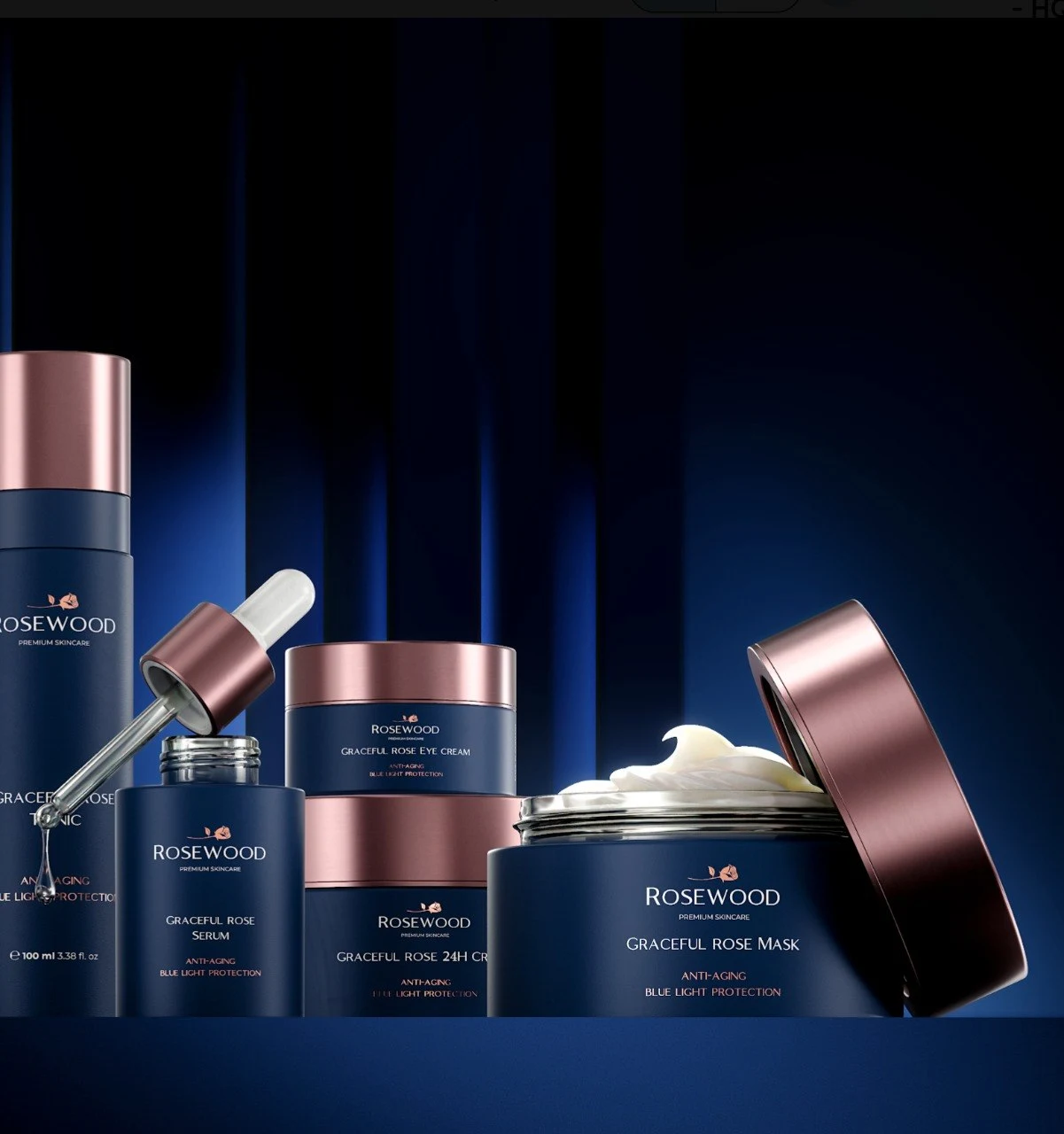
A 3D asset offers controlled geometry, labels, materials and camera views. The product can be rendered on transparency, with reflection passes or with matching light, then integrated into generated environments.
Photography can work in the same way when the product already exists. Capture clean angles and lighting references, then protect the product pixels during compositing.
Build a campaign reference sheet
A useful reference sheet is more specific than a mood board. It records:
- Approved hero image
- Product angle and lens character
- Product scale within the frame
- Brand colour values
- Shadow softness and direction
- Background contrast
- Material highlights
- Typography placement
- Allowed and prohibited visual motifs
Every new output is reviewed against this sheet, not only against the prompt that produced it.
Control generation in stages
Composition first
Approve framing and visual hierarchy using rough product placeholders. This is the cheapest time to reject a direction.
Environment second
Develop the set, atmosphere and supporting objects without asking the system to solve final packaging simultaneously.
Product integration third
Insert or render the controlled product with light and perspective matched to the selected environment.
Retouching and grade last
Correct contact shadows, reflections, edge behaviour, depth and colour. Apply one final grade across the campaign family.
This staged method produces fewer accidental differences than generating each finished image independently.
Design for repeatability
Before approving a visual direction, test whether it can support the real delivery list:
- Can the composition adapt to landscape, square and vertical formats?
- Can copy occupy a predictable clear area?
- Can a second product or colourway enter the same world?
- Can the lighting be reproduced for animation?
- Can the team generate supporting detail views without inventing a new style?
An impressive one-off image may be the wrong campaign direction if it cannot become a system.
Review product claims visually
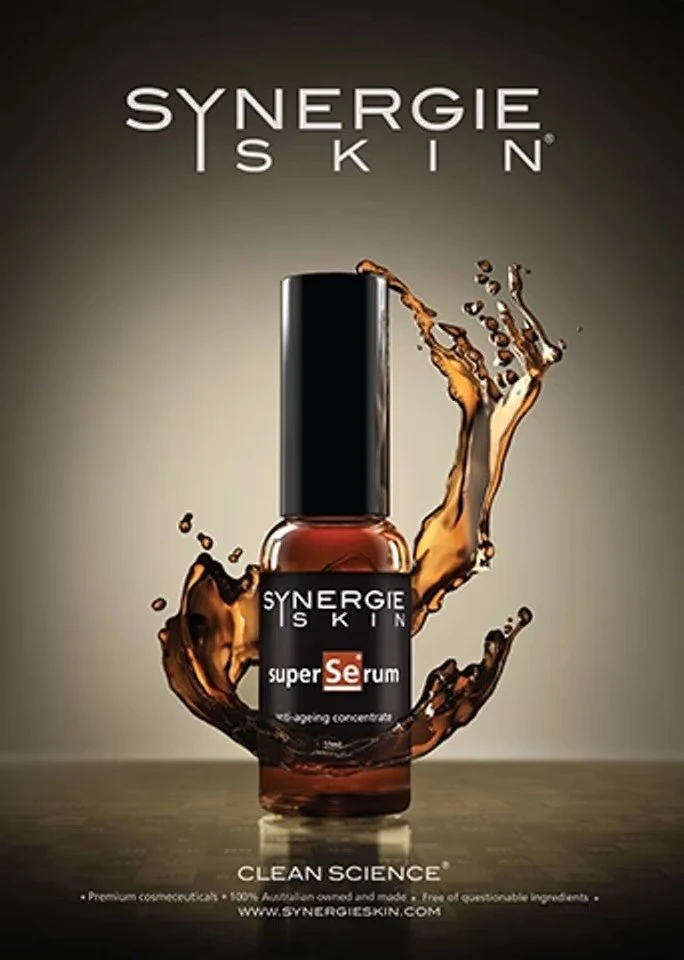
Accuracy is not limited to geometry. Images can imply performance, scale, ingredients or use. A generated liquid splash, scientific environment or exaggerated material effect may communicate a claim the product cannot support.
Include brand, product and legal reviewers at the agreed stage. Ask them to review what the image communicates, not only whether the logo is correct.
Maintain a variation matrix
For campaigns with many products, record each approved combination:
- SKU
- Packaging version
- Product colour
- Environment
- Camera
- Crop
- Copy space
- Approval status
This matrix connects creative production to the final asset library and prevents an obsolete label from returning in a later crop.
Know when not to use generation
A conventional 3D render is often more efficient when the image is mostly product, requires many exact angles or must show engineering function. AI becomes more useful as the environment becomes imaginative and the controlled product can remain separate.
The best workflow is not the one that uses the newest tool most aggressively. It is the one that preserves the campaign idea while keeping the product true.
See how our commercial AI image workflow combines art direction, controlled CGI assets and human finishing.
Free production resources
Put it into practice.
A useful next step, without an email gate. Read the guide or download an editable Markdown worksheet.
Commercial AI imagery review checklist
A practical rights and provenance review before AI-assisted imagery enters a commercial campaign. Separate tool permissions, source permissions and claims about copyright.
From insight to practice
Explore the work
Need product visuals for a real project?
Show us what you have and what the images need to accomplish.
Discuss your project